Windows
Includes BadAvatar USB large-volume FAT32 formatter (Ridgecrop fat32format).
v2.13.3 · Windows · macOS · Linux
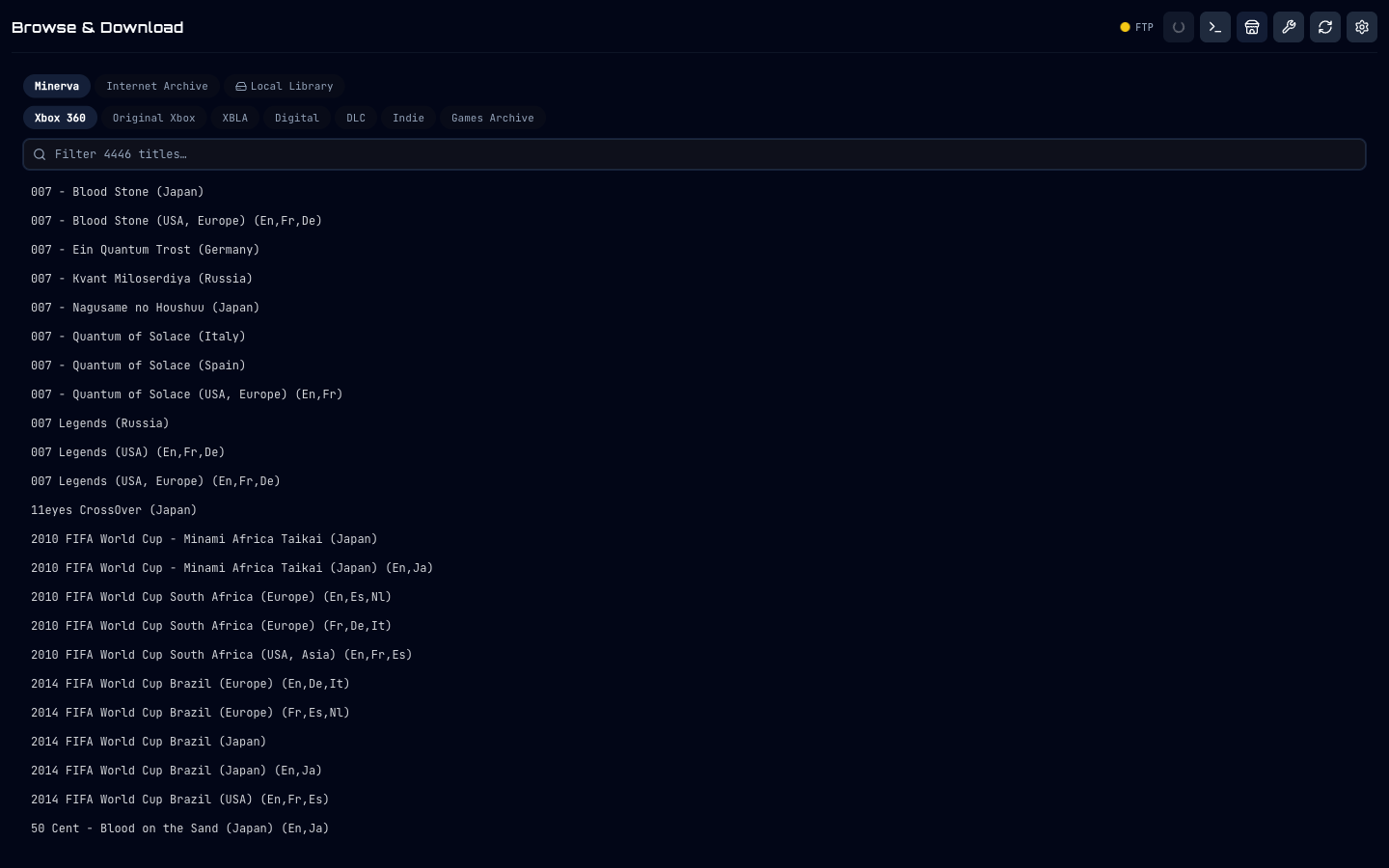
Browse Minerva Archive and Internet Archive, convert ISO → GOD on the fly, and push DLC, Title Updates, and save backups to your console over FTP - from one open-source desktop app. No accounts. No tags. No telemetry.
Minerva + IA combined
External binaries required
Free & open-source
Features
No dual-booting between iso2god, FTP clients, asset editors, and save tools. GODsend 360 bundles the entire flow - download → convert → install → patch → back up - and runs the same way on Windows, macOS, and Linux.
Pure-Go converter built in. No iso2god-rs binary, no Wine, no third-party tools. Probe disc metadata, convert, and FTP the result in one job.
BitTorrent via bundled aria2c. Pulls only the file you asked for. Internet Archive stays available as a chunked-HTTP fallback for missing titles.
Per-IP semaphores, stall watchdog, TCP keepalive, and persistent pending-FTP queue. If the console disappears mid-transfer, the job comes back - no re-downloads.
Browse Minerva / IA / XboxUnity sources side-by-side with what's already installed. One-click activate-a-TU swaps siblings to .disabled automatically.
One click bulk-pulls every profile package and every save for every profile on the console - organised by gamertag, with names resolved via XboxUnity → XboxDB → embedded list.
Format a large FAT32 USB (no 32 GB Windows ceiling) and stage the BadStick BadUpdate payload - Proto, FreestyleDash, and Aurora XeUnshackle - in one Toolbox flow.
Live cover-art grid from Aurora's content.db. Sort, search, filter to favourites or multi-disc, and move games between drives without leaving the page.
Search XboxUnity / Xbox CDN or drop your own art. Encodes to RXEA .asset (DXT5 Xenos textures) and uploads to Aurora/Data/GameData/ - visible without a rescan.
The Go backend runs standalone on Windows / macOS / Linux - perfect for a NAS, a Pi, or a tucked-away home server. Configured via plain env vars.
Pipeline
The Aurora script lists Minerva and IA libraries directly inside the dashboard. Pick a title, drive, and install type - that's all the console does.
Local Transfer → Minerva (BitTorrent) → Internet Archive (chunked HTTP). The first available source wins.
ISO → GOD, XBLA extract, or DLC unpack - natively in Go. Title IDs resolved via XboxUnity → XboxDB → embedded list.
Streamed straight to GOD\, Content\, or XEX\. If the console drops, the job parks and resumes.
Inside the app
Real screenshots, captured straight out of the app via Playwright - no mockups, no marketing renders.
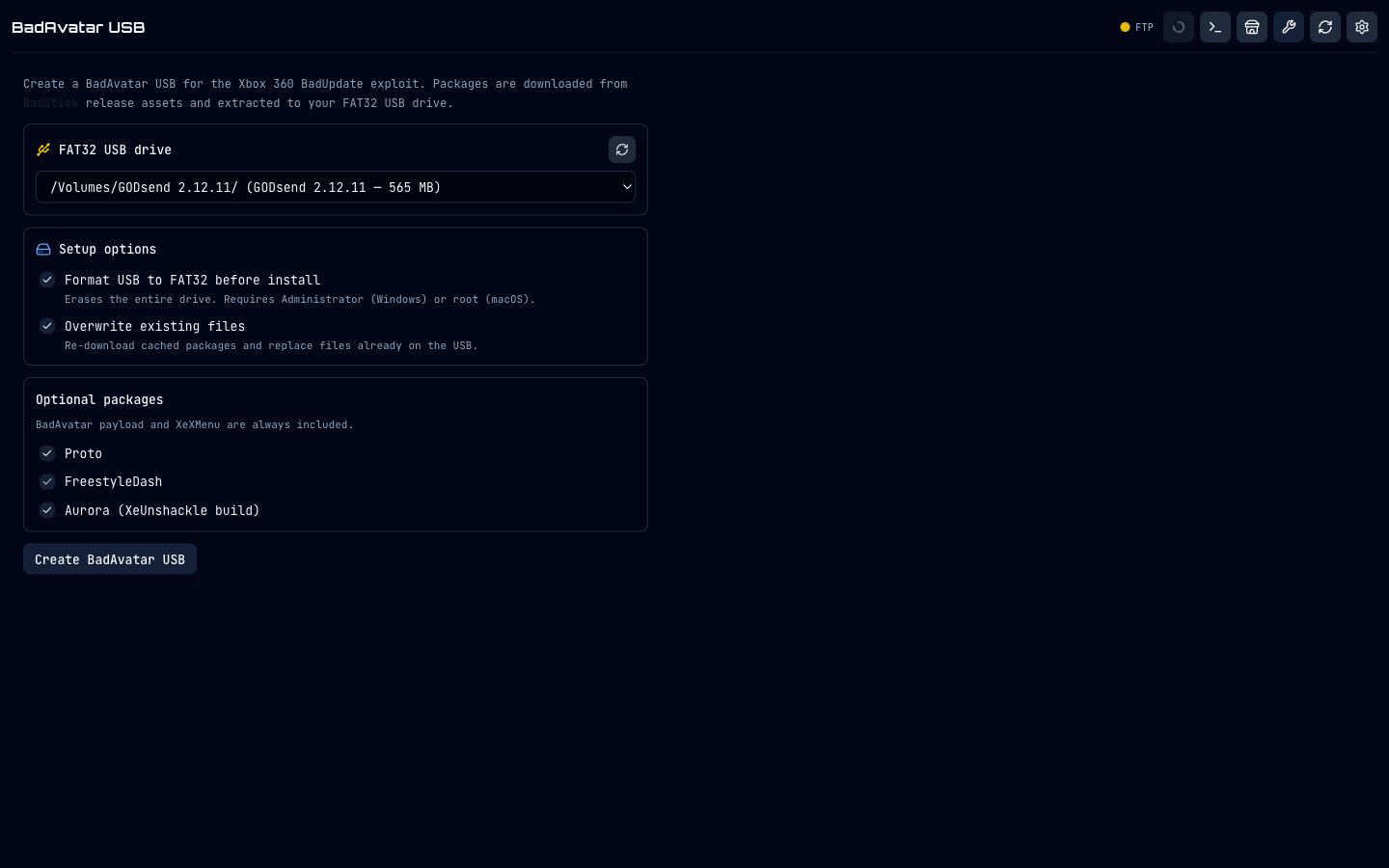
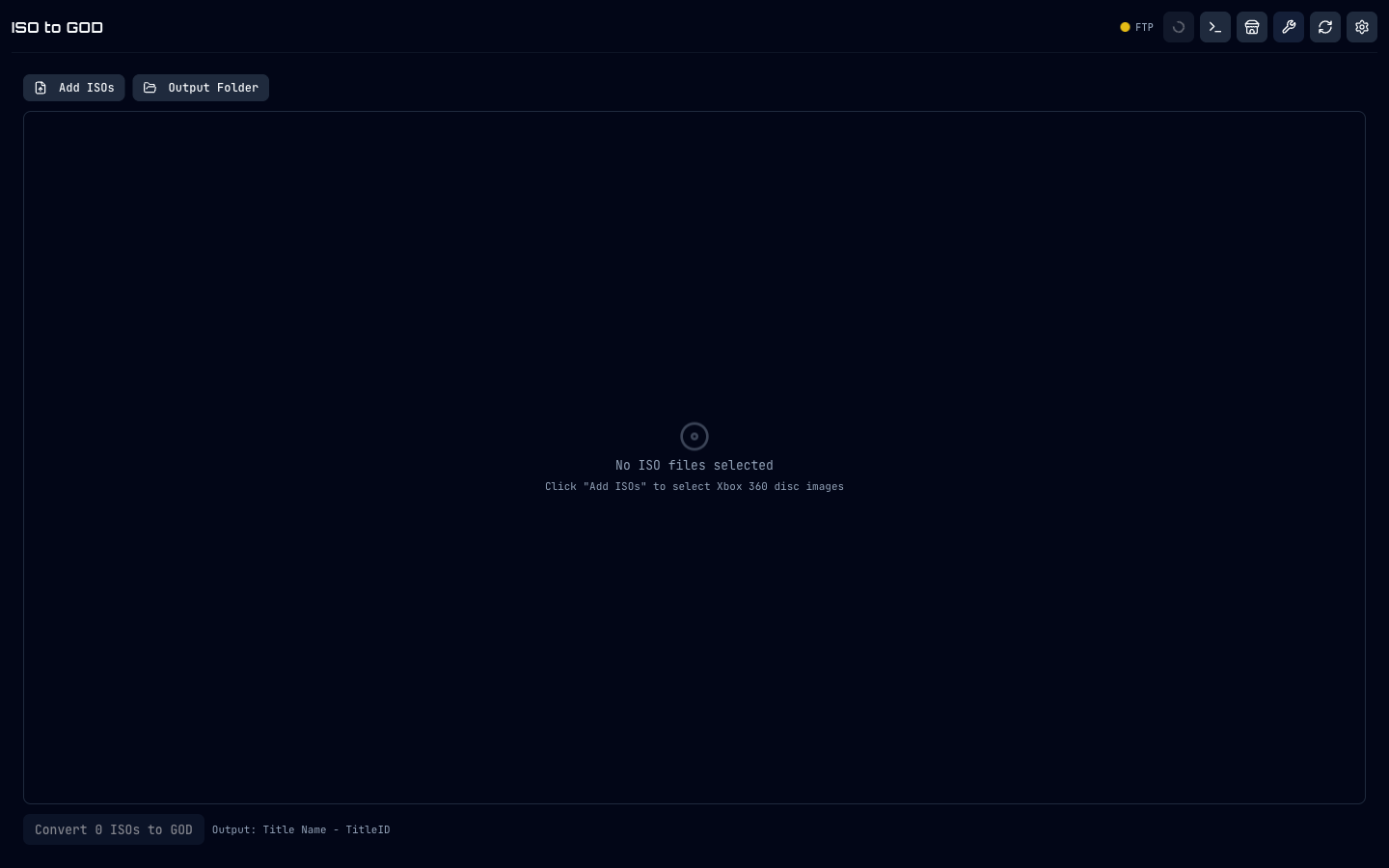
Library, DLC & Title Updates, Job Queue, and Save Backup views require a connected Xbox to capture meaningfully - see the feature list for details.
Downloads
All builds carry the same Go backend. Need a headless server? See the README for backend-only binaries.
Includes BadAvatar USB large-volume FAT32 formatter (Ridgecrop fat32format).
First-launch Gatekeeper override required - see README.
chmod +x then run; may need libfuse2.
Mirrors and headless backend binaries are on the GitHub README. The project is free, open source, and ships without telemetry.
FAQ
No. Minerva Archive works over BitTorrent with no login. An Internet Archive account is optional - only useful as a fallback for titles Minerva does not carry.
A console running the Aurora dashboard with its FTP server enabled. That typically means an RGH or JTAG console, or a stock console with a hardware-free exploit such as BadUpdate (see the BadAvatar USB tool above).
Yes - Windows installer, portable Windows .exe, Apple Silicon and Intel DMGs, and Linux AppImages for x64 and arm64. The Go backend can also run headlessly on a NAS or home server.
Into a writable runtime folder (Transfer / Ready / Temp / cache) under your user-data directory. ISOs are converted to GOD in Temp, staged in Ready, and FTP'd to the Xbox. If the console goes offline mid-transfer, jobs are persisted to disk and retried automatically.
Yes - Settings → Save Game Backup pulls every profile package and every per-game save for every profile on the connected console into a local archive folder, organised by gamertag with per-title display names resolved automatically.
Yes - the repository lives at github.com/ghostyshell/GODSend-360 under an open-source licence. Issues and discussion are welcome.
Free, open source, and built by someone who wanted their Aurora workflow to stop being a stack of three terminals and an FTP client.